A product demo is a demonstration that shows a prospect or user how your product works and how it solves their specific problem. It can be delivered live by a salesperson, recorded as a demo video, or built as an interactive experience the buyer runs themselves. The goal is always the same: move someone from "I think this might help" to "I can see exactly how this helps me." This guide covers what a product demo is, the main types and when to use each, real examples, how to create one step by step, and the tools that make it easier in 2026.
What is a product demo?
A product demo (product demonstration) is a guided showing of a product that walks a person through its key features in the context of a real use case. Unlike a feature list or a brochure, a demo shows the product in motion — what the buyer clicks, what happens, and what result they get. A good demo answers one question above all: "will this work for me?"
Product demos appear at two moments in the customer journey. Before the sale, a demo helps a prospect evaluate whether the product fits — it is often the step that turns interest into a qualified opportunity. After the sale, a demo (or guided walkthrough) helps a new user learn the product during onboarding so they reach value faster. The format can be the same; the audience and the goal differ.
The format has changed a lot. For years a "demo" meant a live call with a sales engineer. Today two-thirds of B2B buyers prefer to evaluate without talking to a rep first, so demos increasingly run as video or interactive experiences the buyer controls. The rest of this guide walks through the types so you can pick the right one.
Types of product demo: live vs demo video vs interactive
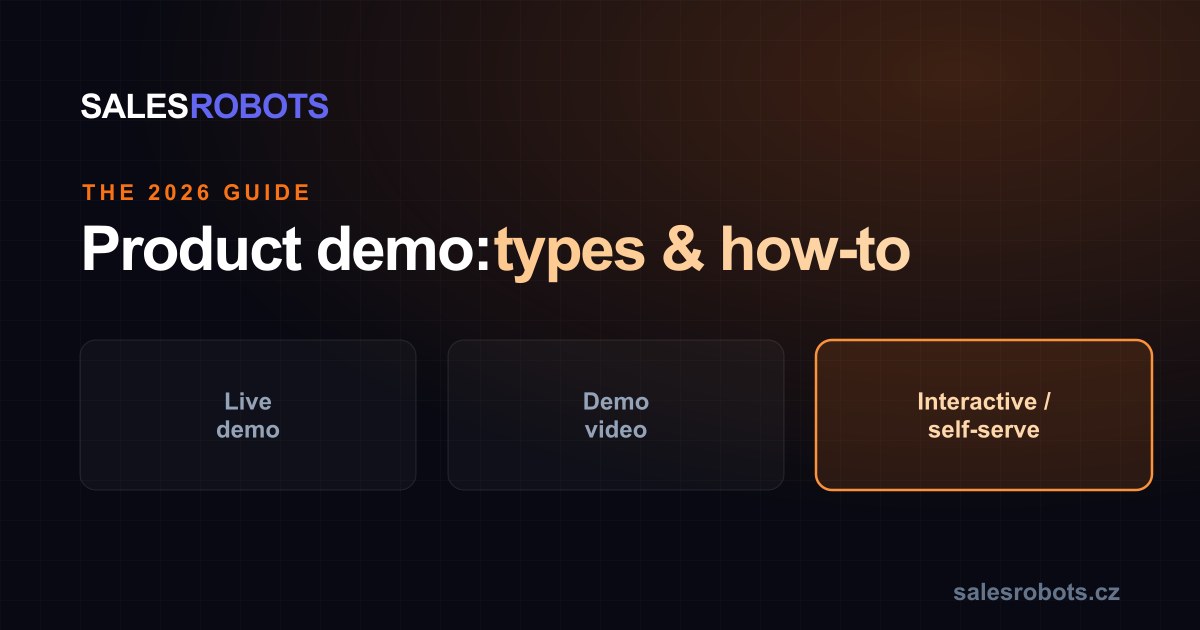
There are three main types of product demo. Most teams use more than one, matched to the funnel stage.
1. Live demo. A salesperson, solutions engineer, or product expert presents the product in real time — over a call or in person. Strength: a skilled presenter can read the room, handle complex objections, and tailor the story as new information appears. Weakness: it is expensive, needs scheduling, and only reaches the small share of visitors who book a call. Best for late-stage deals with multiple stakeholders. More on this in
self-service demo vs live demo.
2. Demo video. A recorded walkthrough of the product, from a short 60-second overview to a full feature tour. Strength: it scales infinitely, is consistent every time, and works 24/7 on a landing page or in outbound. Weakness: it is one-way — it cannot answer "does this work for our use case?" and it goes stale when the product changes. Best for top-of-funnel education and quick previews.
3. Interactive / self-serve demo. An experience the prospect launches and controls themselves, without booking a call. This ranges from clickable product tours to a conversational AI demo that talks to the buyer, adapts to their questions, and qualifies them. Strength: it captures the buyers who would never book a call, runs 24/7, and — in its conversational form — hands sales a qualified lead. This is where the
self-serve product demo category is growing fastest.
| Type | Direction | Scales | Best stage |
|---|
| Live demo | Two-way, human | No (per rep) | Late / complex deals |
| Demo video | One-way | Yes | Top of funnel |
| Interactive self-serve | Two-way (self-driven) | Yes, 24/7 | Evaluation + qualification |
A note on terminology: a software demo is simply a product demo for a software product, and a product tour is one style of interactive demo (a guided click-path). They are variants of the three types above, not separate categories.
Product demo examples
Concrete examples make the types easier to picture:
The 60-second overview video embedded on a homepage hero — a demo video that gives a fast sense of the product before a visitor reads anything.
The "book a demo" live call where a solutions engineer screen-shares a tailored environment for a buying committee — the classic late-stage live demo.
The clickable product tour on a pricing page ("take a tour") that lets a visitor step through a few key screens at their own pace — a lightweight interactive demo.
The conversational self-serve demo sent as a personalized link in an outbound email: the prospect opens it, asks questions by voice or text, is guided to the parts relevant to them, and the rep receives a transcript with a qualification score. This is the format Sales Robots' Prezentér uses — closer to "your best SE ran the demo" than a fixed tour.
The best-performing teams do not pick one example — they match the format to intent: video to attract, interactive to qualify, live to close.
How to create a product demo
A strong product demo is built backwards from the buyer, not forwards from your feature list. The short version:
1. Start from the buyer's problem, not your UI. Pick the one job the viewer is trying to get done and structure the demo around reaching that outcome.
2. Show the "aha", fast. Get to the moment of value quickly — do not reproduce the entire product. For self-serve formats, the first path should be short and focused on one result.
3. Make it answer questions. A demo that only shows screens leaves the key question ("will this work for me?") unanswered. Interactive and conversational formats let the buyer ask; static video and slides do not.
4. End with a clear next step and capture intent. Whether that is "book a call", "request a quote", or "start a trial", the demo should hand your team context — what the buyer viewed, asked, and objected to.
For a full walkthrough including the self-serve build, see our step-by-step guide on
how to create an online product demo.
Product demo tools & software
To choose a tool for an on-demand demo workflow, compare the
best demo automation software in 2026 by creation, delivery, question handling and the context passed to sales.
The right tool depends on the type of demo you are building. For demo videos, a screen-recording tool is enough. For interactive demos, there is a whole category of
interactive demo software — product-tour builders and demo-environment platforms — and
demo automation software that runs the walkthrough and qualifies the buyer for you. If you are comparing named tools, we maintain a fair roundup of
Navattic alternatives and a head-to-head on
Navattic vs Storylane, alongside criterion-by-criterion comparisons for the
Supademo alternative.
One distinction matters when choosing: most tools build a fixed click-through the buyer follows, while a conversational AI demo talks to the buyer, adapts to their questions, and qualifies them. If you want the demo to produce a qualified lead (or to onboard users), that qualification layer is the differentiator worth weighing. For a shortlist of the leading options, see
best self-service demo software.
Sales Robots' Prezentér sits in the conversational category: you supply approved materials, Sales Robots builds and calibrates the experience, and buyers run it themselves — no tour to maintain by hand.
Common product demo mistakes
Demoing every feature. A demo is not a training manual. Showing everything dilutes the one outcome that would make the buyer say yes.
Gating the demo behind a form. A "book a demo" form filters out the ~98% of visitors who are not ready to talk to sales yet. A self-serve option captures a slice of them who would otherwise leave with no contact at all.
Treating the demo as one-way. If the buyer cannot ask a question, the demo cannot resolve their specific doubt — and the specific doubt is usually what blocks the deal.
No measurement. If you cannot see what viewers engaged with and where they dropped, you cannot improve the demo. Interactive formats produce this data by default.
See a self-serve demo in action
The fastest way to understand the interactive, conversational format is to run one yourself. Prezentér will walk you through exactly what your prospect would experience — by voice or text — and show how it hands a qualified lead to sales. It is a fair test: run your current demo and a conversational one side by side, and measure which produces real conversations.
Want a demo prospects run themselves?
Prezentér is an interactive product demo — it walks prospects through, answers questions by voice or text, and hands you a qualified lead. No waiting for a meeting.